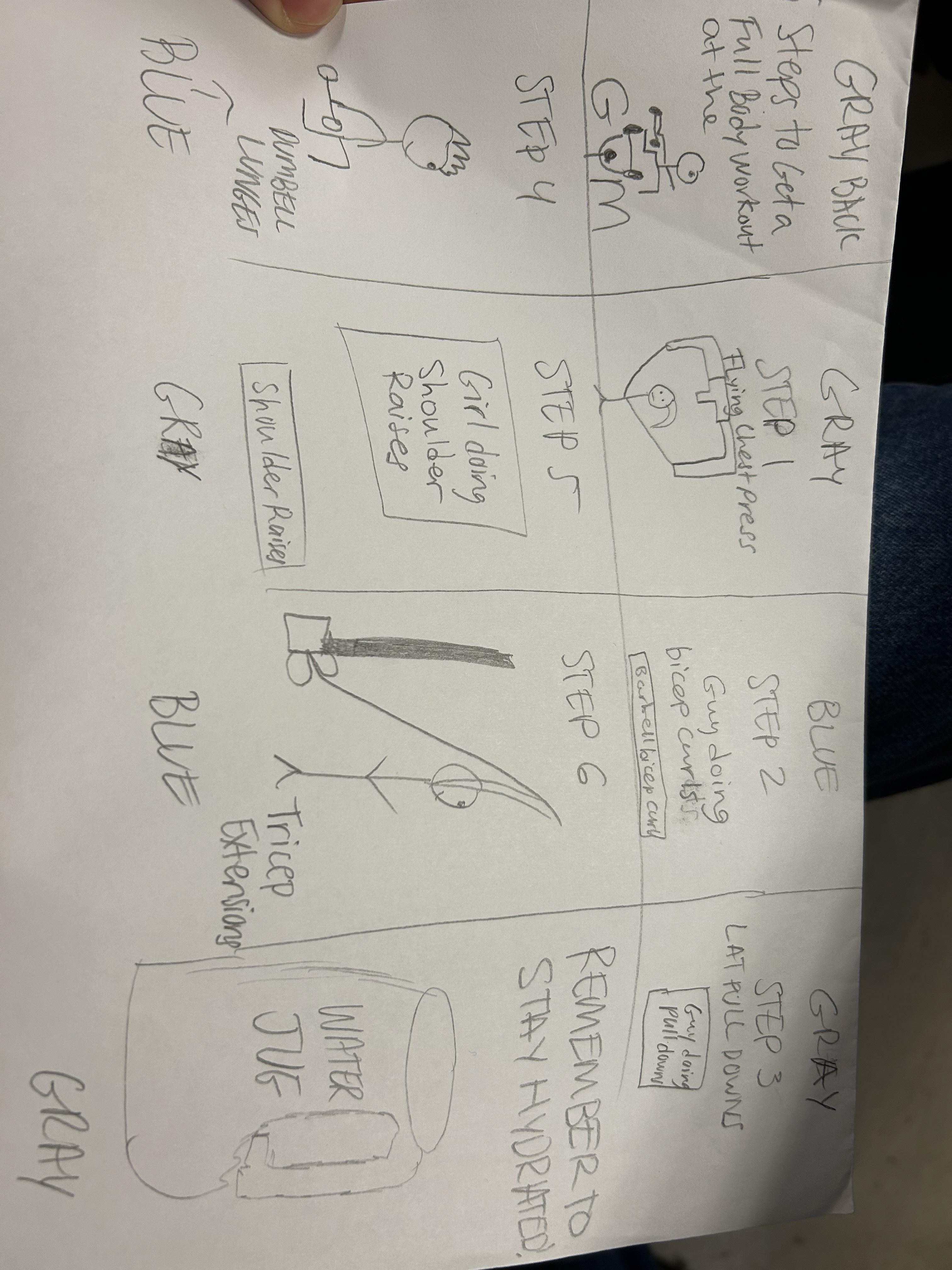
Process Work Sketches
Mockups:
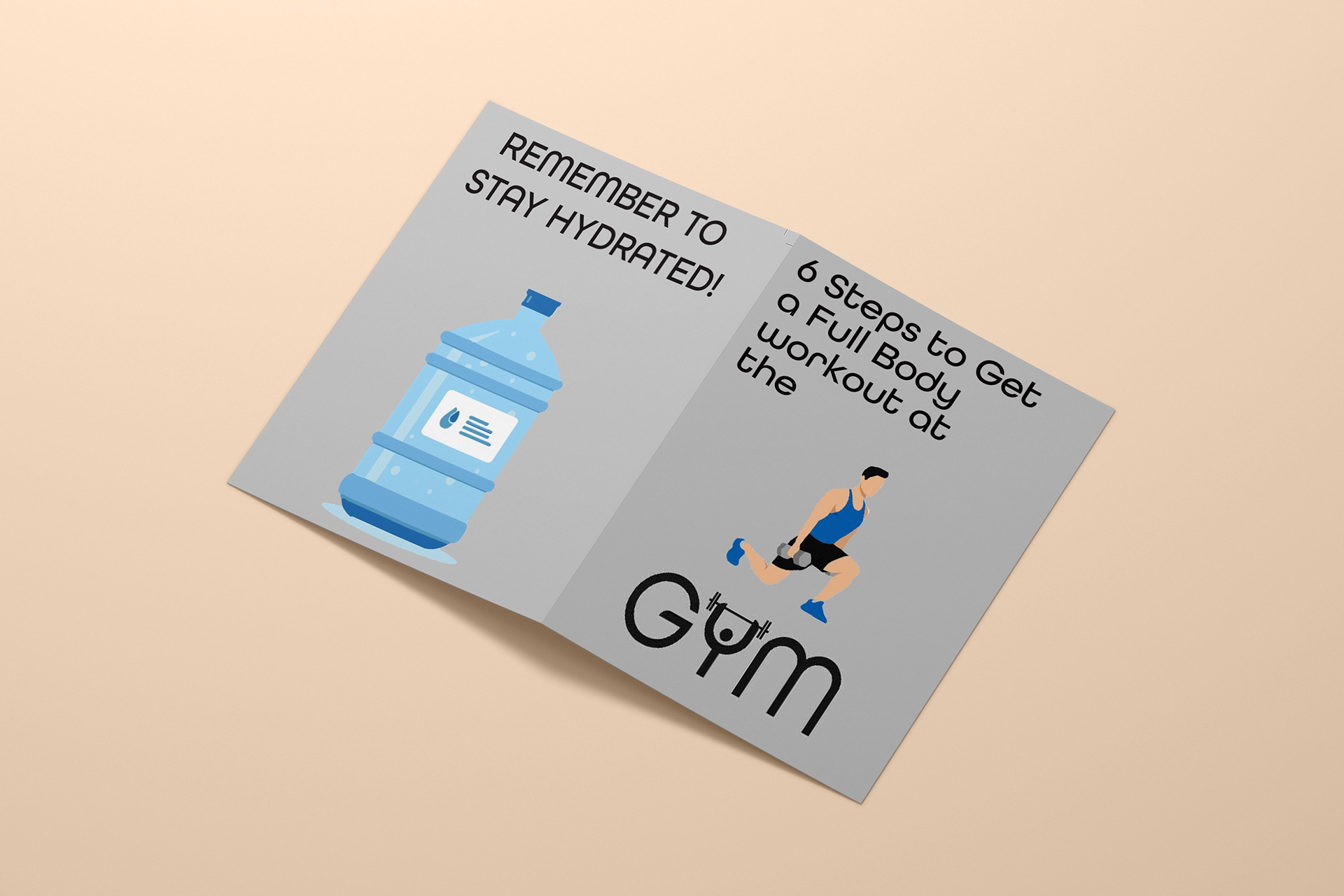
Final Layout:
Designer Statement
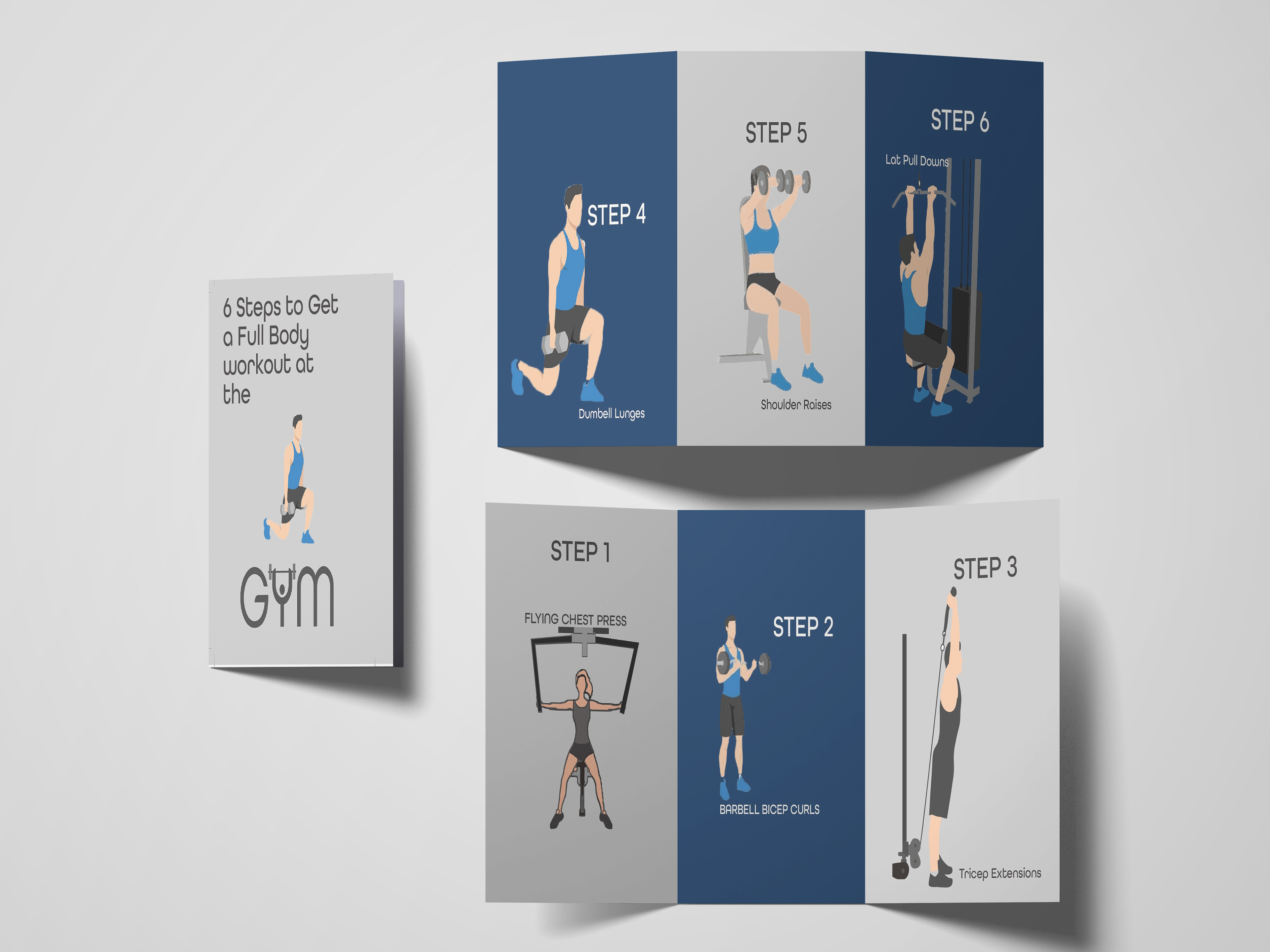
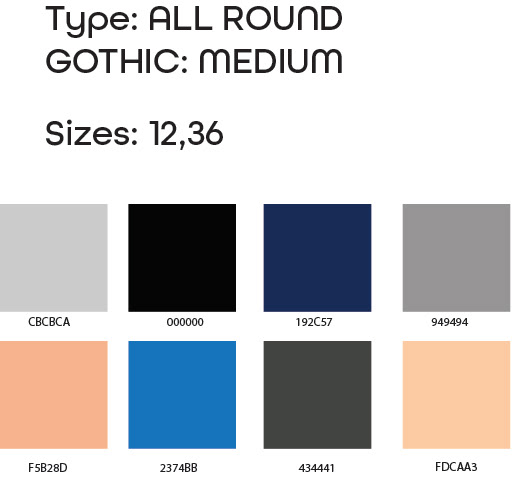
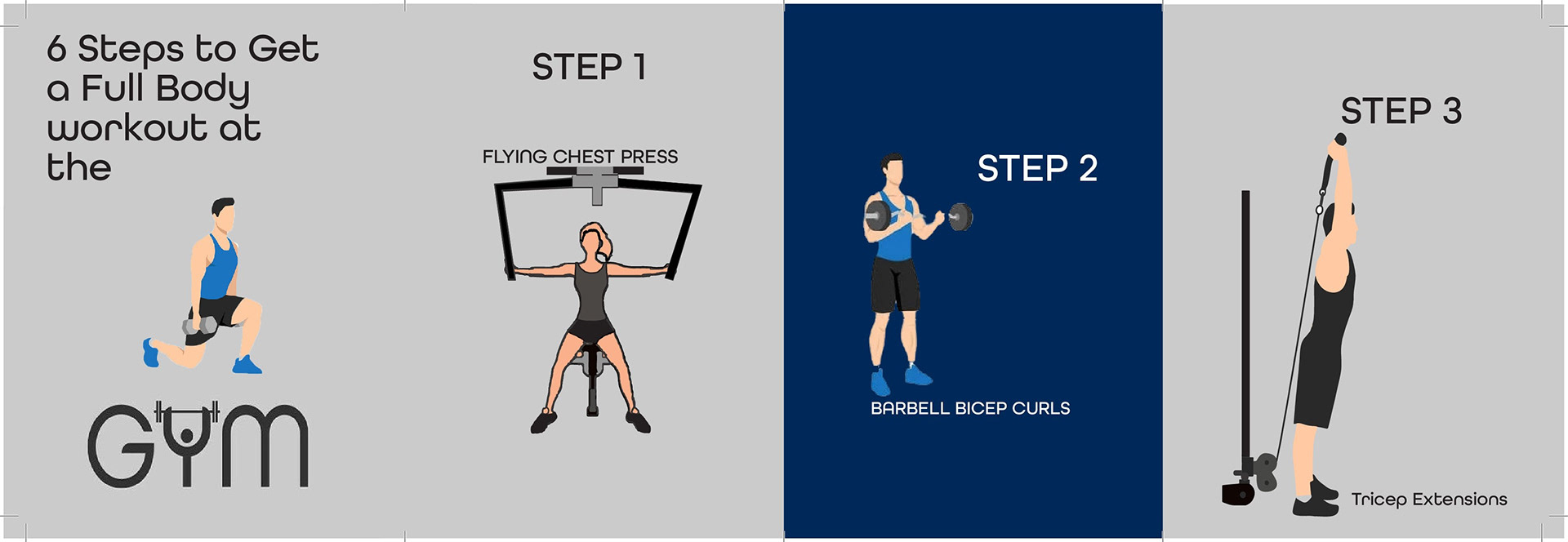
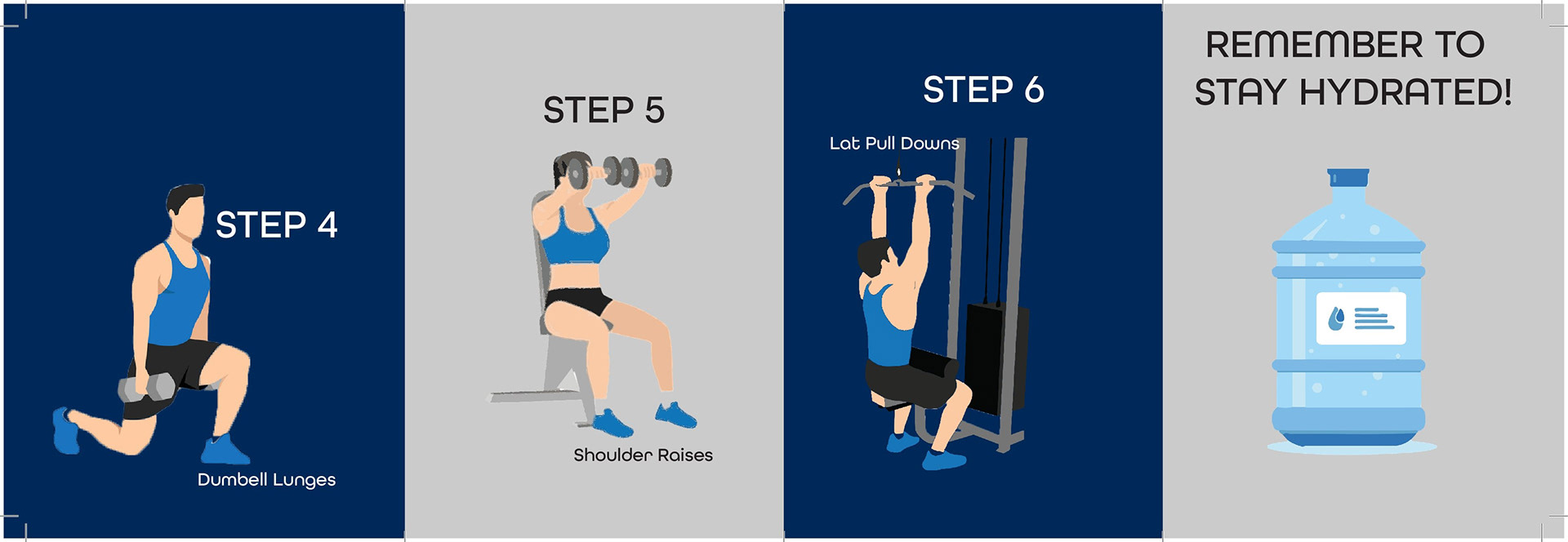
The goal for this project was to create a brochure showcasing a variety of steps in order complete a skill of our passion. Personally, I love working out and I recently have been in the gym frequently because I am passionate about fitness after needing some time away from the computer screen doing what I love. I made a 6 step brochure on 6 different workouts that would be considered a full body workout with the best workout shown for each muscle in the body. I decided to create an illustration style based brochure with the colors being a pattern of blue and grey because in my opinion, these are the colors I would think about when the gym comes to my mind, blue symbolizing water and grey symbolizing the gym equipment.
Design Exploration:
I began by trying to find an idea about how I am going to narrow one of my passions into a 6 step guide. I was thinking about it over time when the idea of fitness came to my mind. I really knew I could turn it into a project but I just needed the thought of how I can turn fitness into a 6 step process. I thought about the 6 best foods to eat for my brochure but realized that my eating is not the best and that it wouldn't be described as something I am good or passionate about. Finally, it came to mind about the different types of muscles in each part of our bodies. I remembered, every day I go to the gym, I am targeting a different muscle. So I counted how many different parts of the body that I worked out in the gym and it came out to 6 being biceps, shoulders, chest, back, legs, triceps. I then came up with the idea that since there are the 6 different muscles that I like to workout, I should choose the best out of each one and create a page about which workout is best for those muscles in my opinion. I then used my personal fitness journey as inspiration to push through this project and overall it came out as successful.
Finalized Design Concept and Evaluation
My final project is an 11 x 17 brochure showcasing the 6 steps to getting a full body workout at the gym. I chose to utilize all these specific workouts for the different steps because they are my personal favorite and my gym routine. The layout turned out really nice and I like how the illustrations were laid out. By using the pen tool in illustrator, I was about to create my illustrative style brochure.