



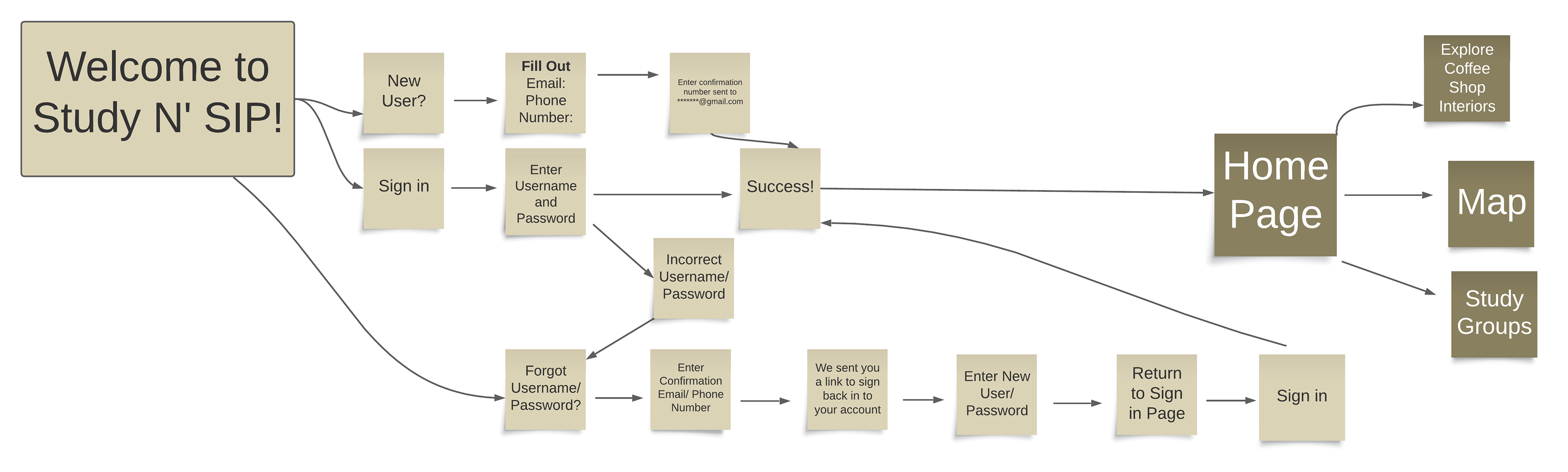
Process Work: Mind Map
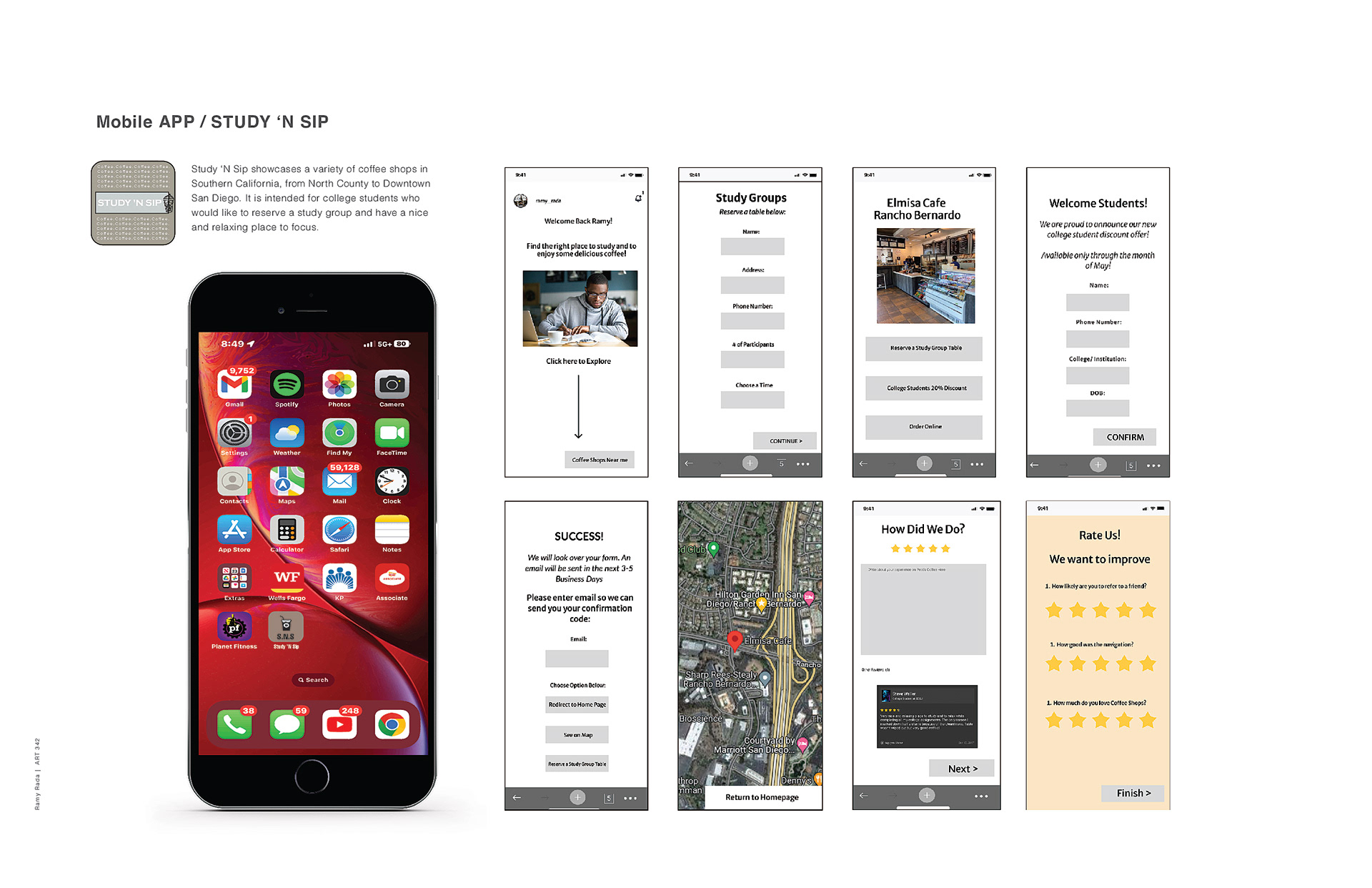
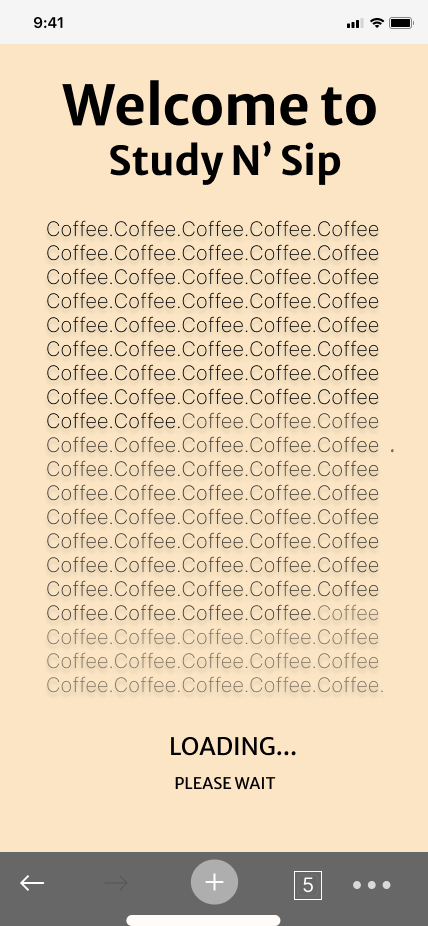
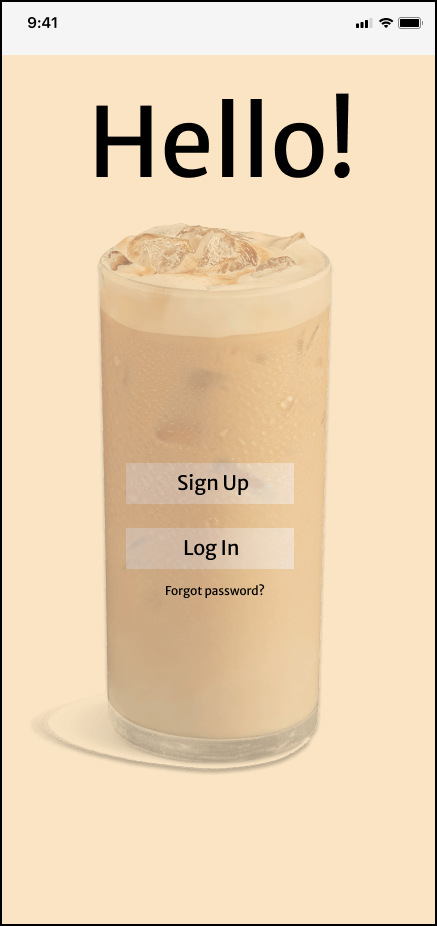
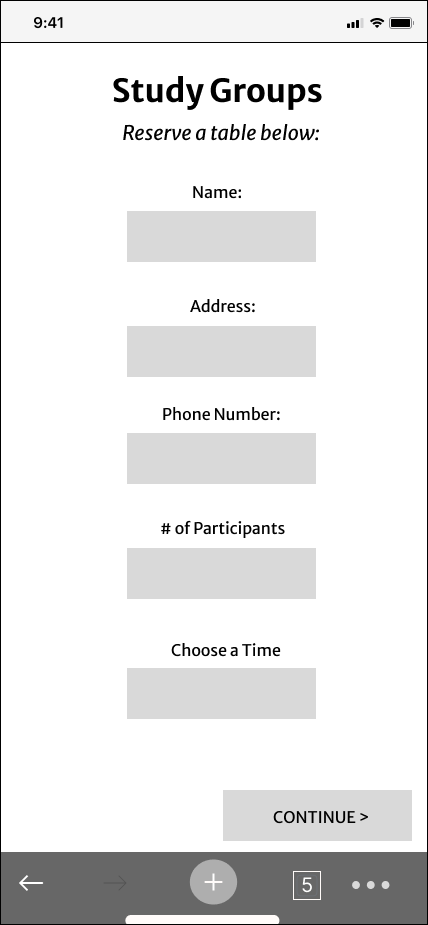
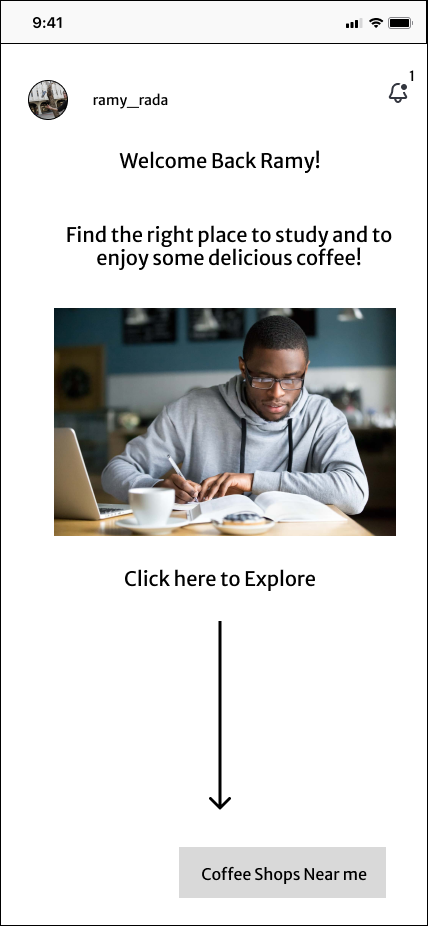
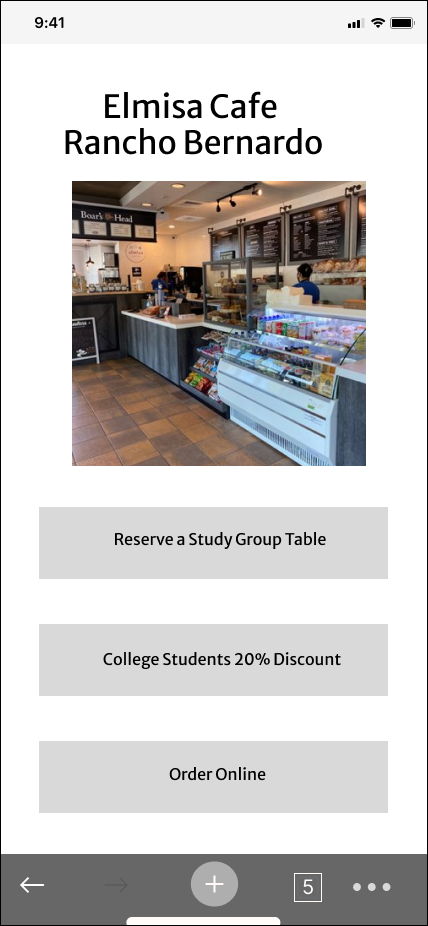
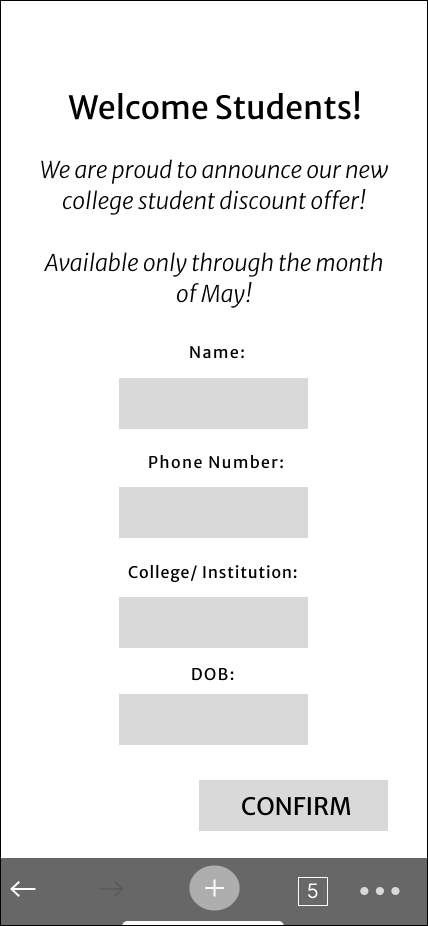
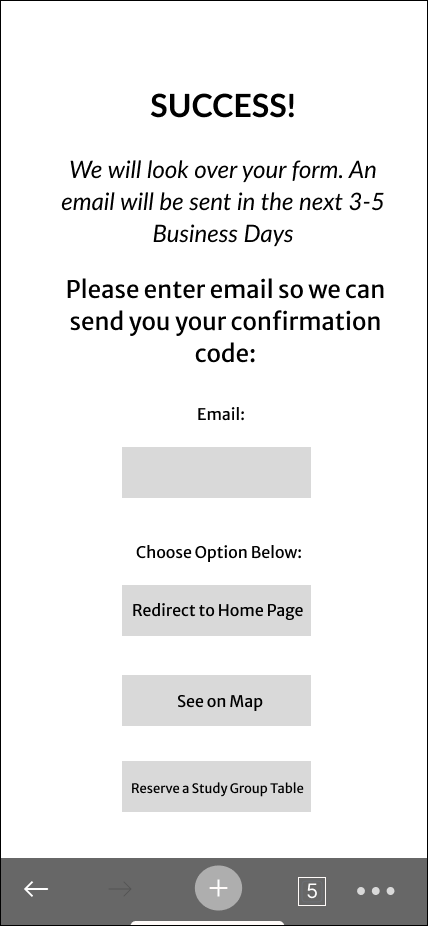
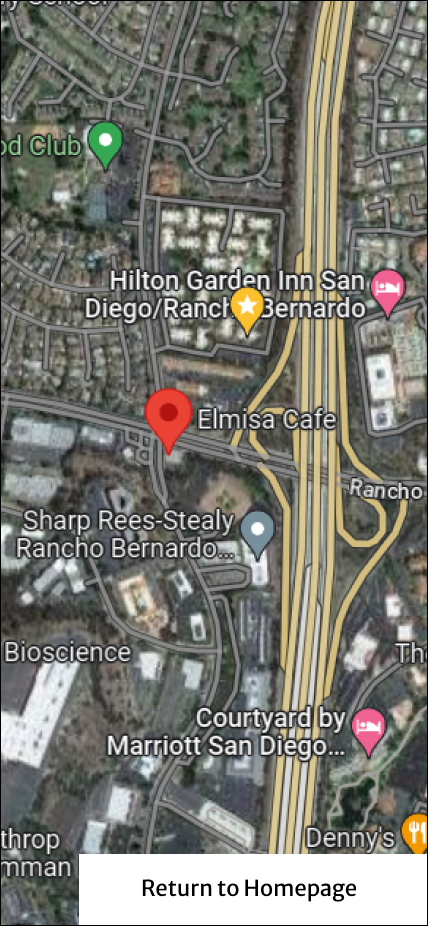
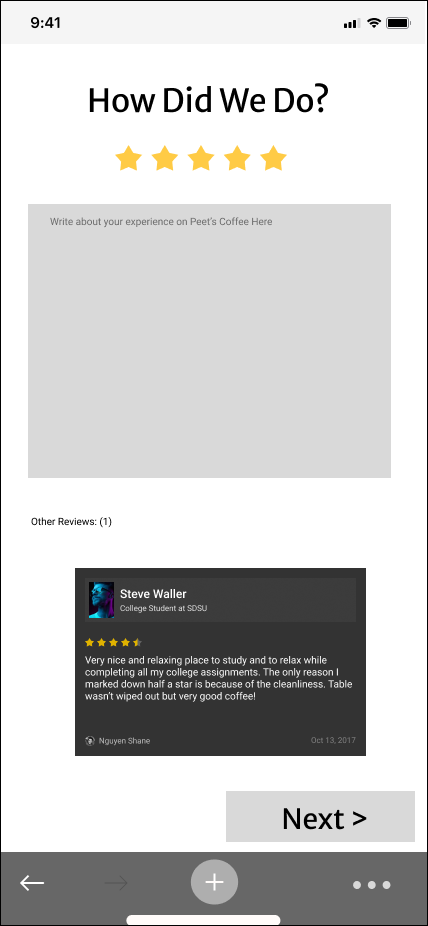
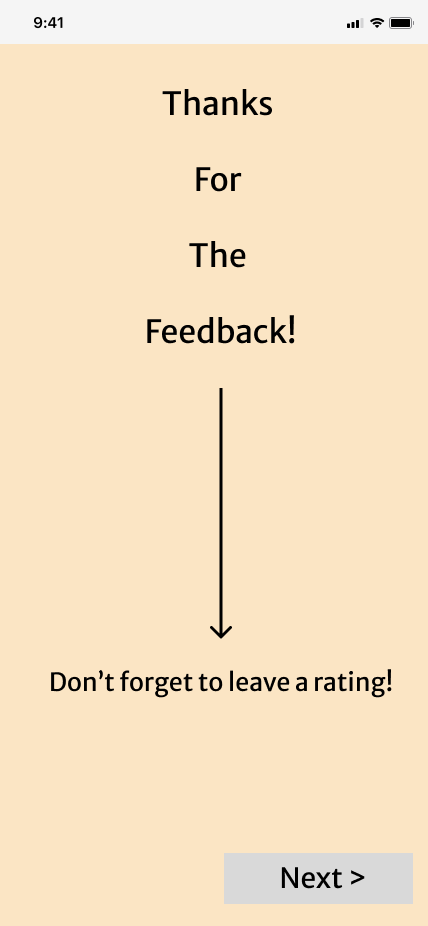
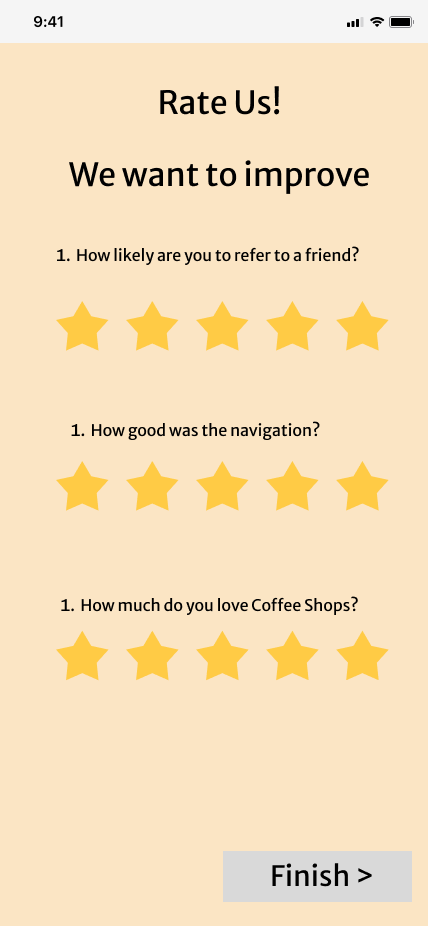
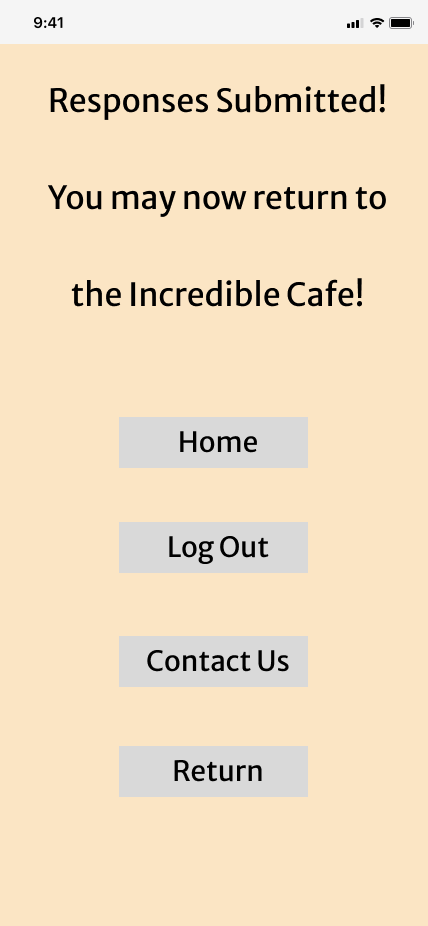
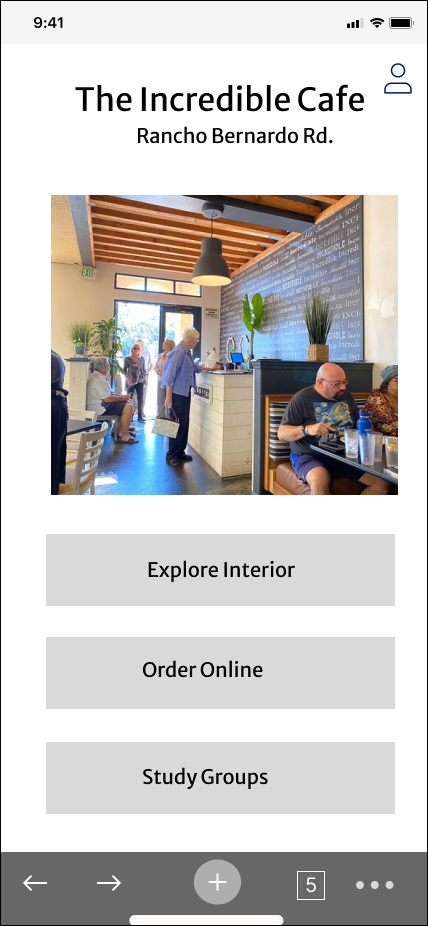
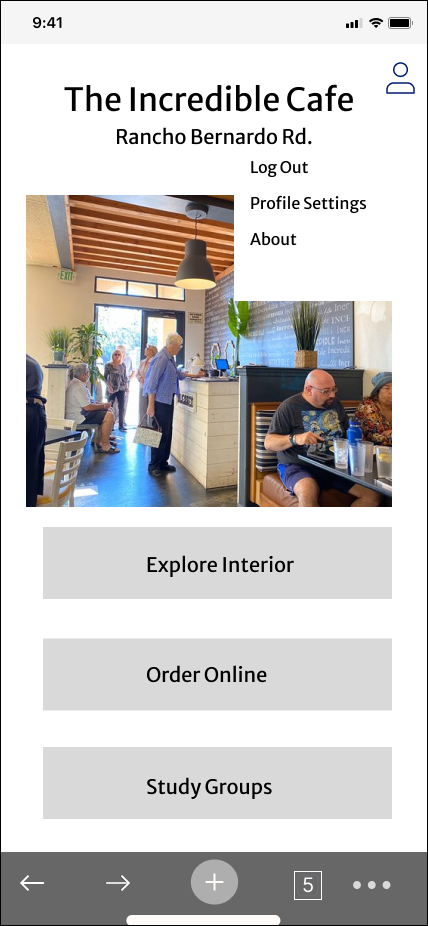
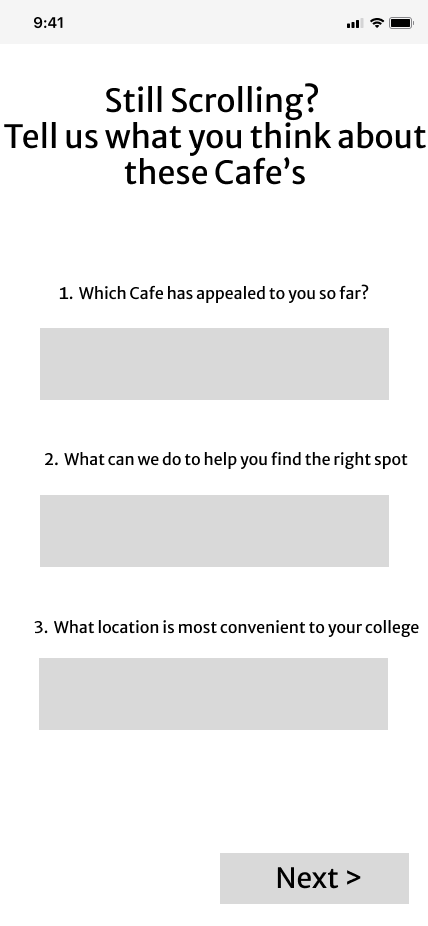
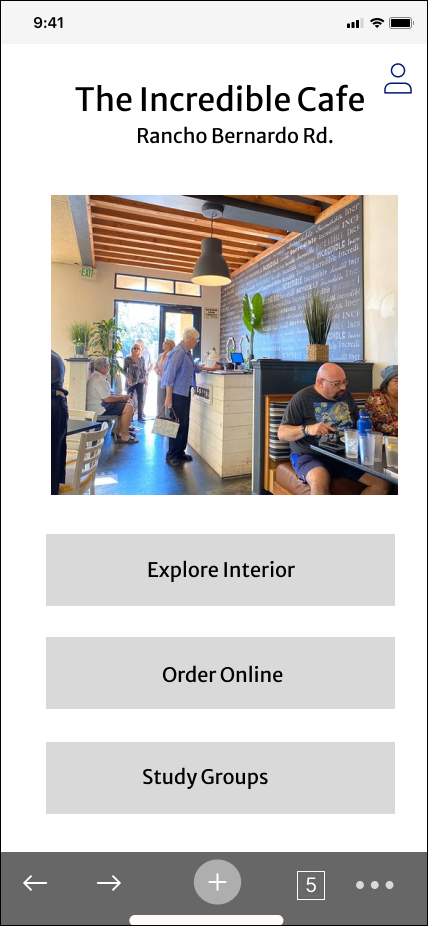
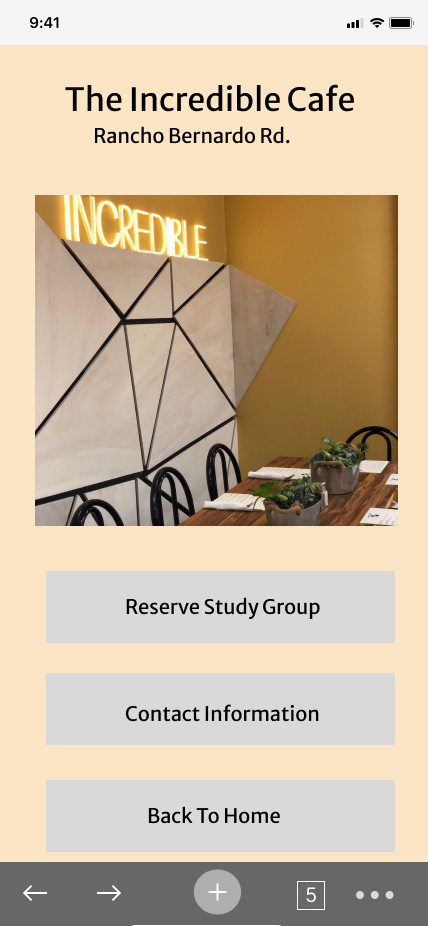
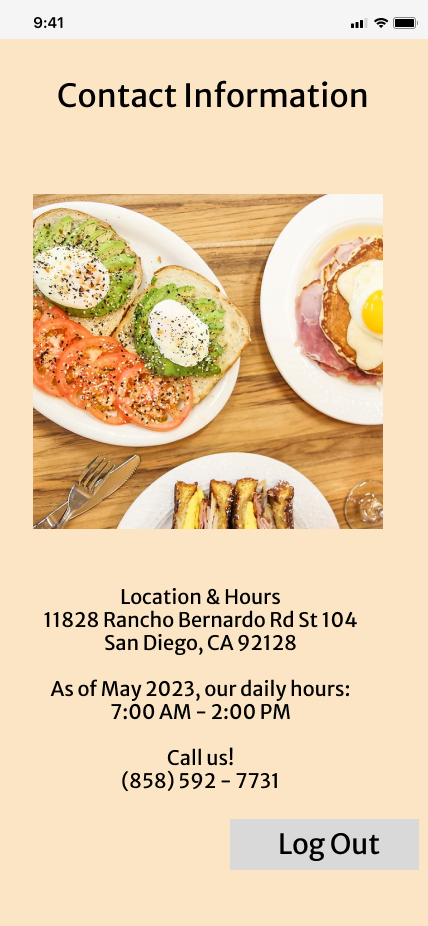
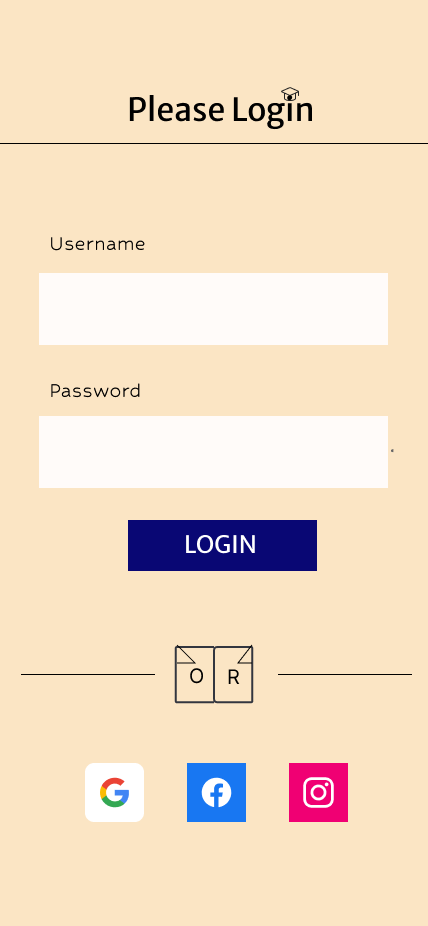
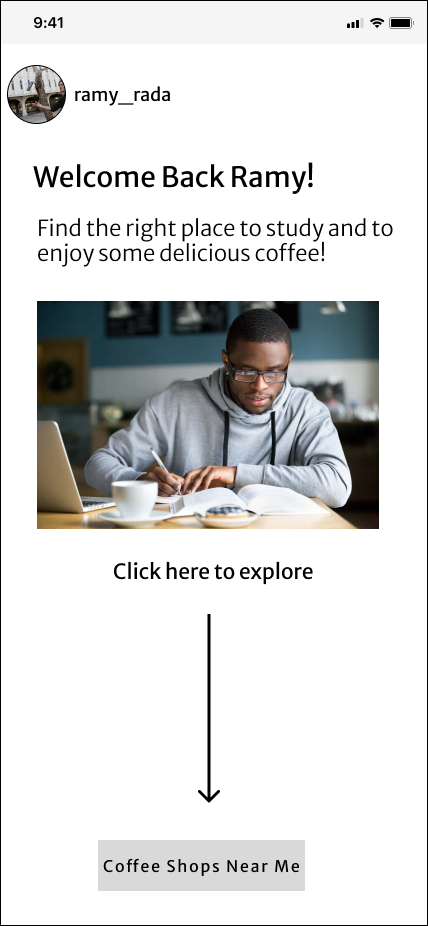
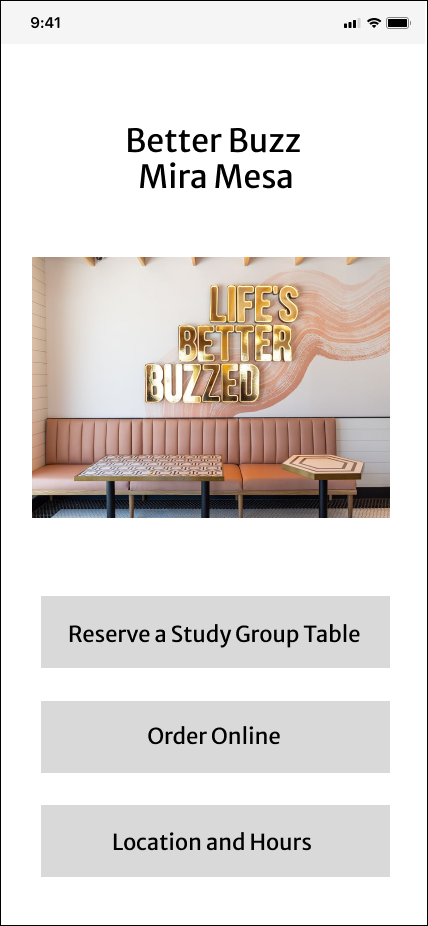
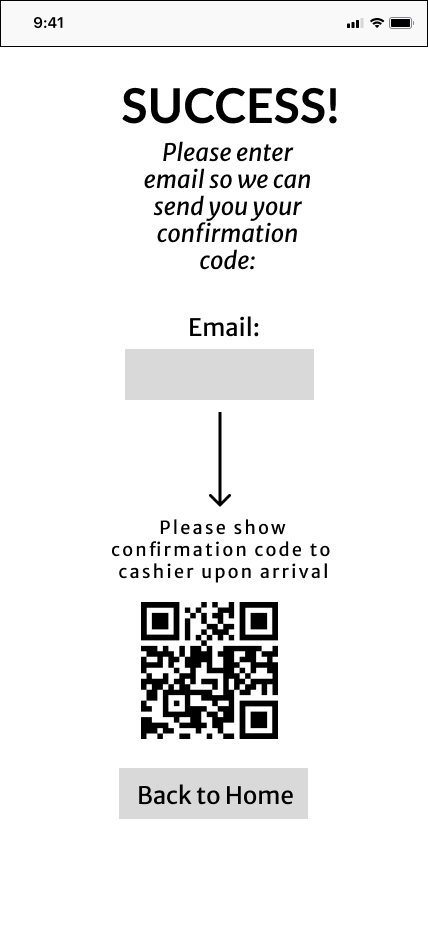
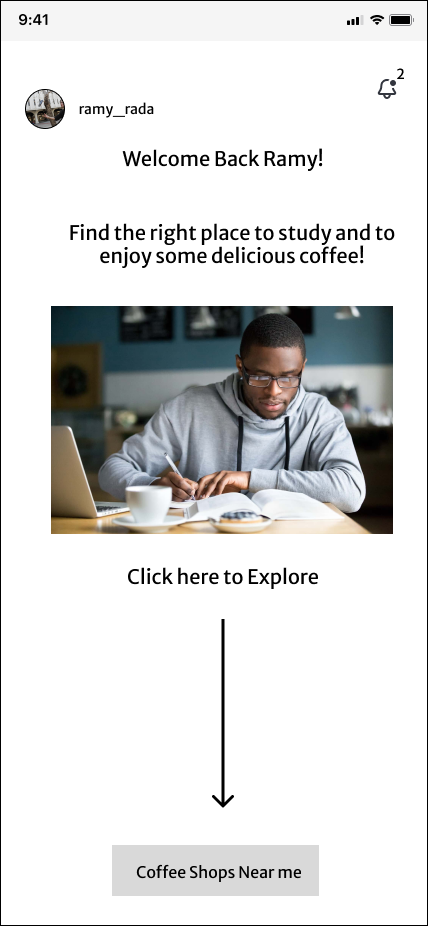
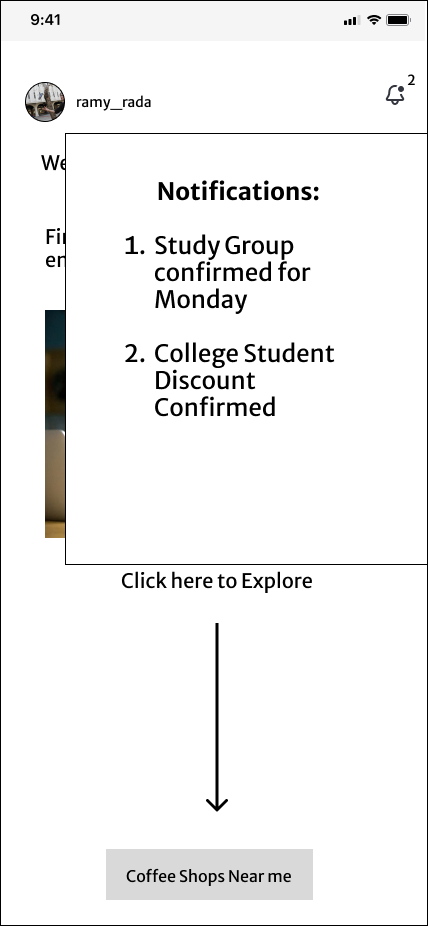
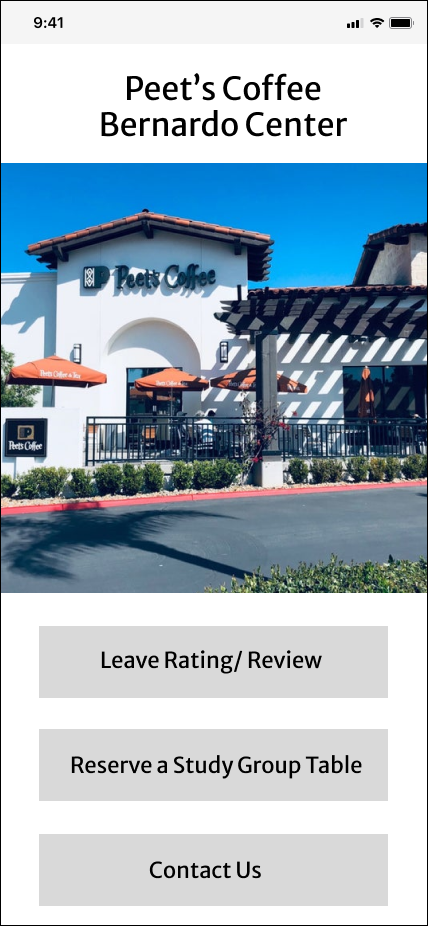
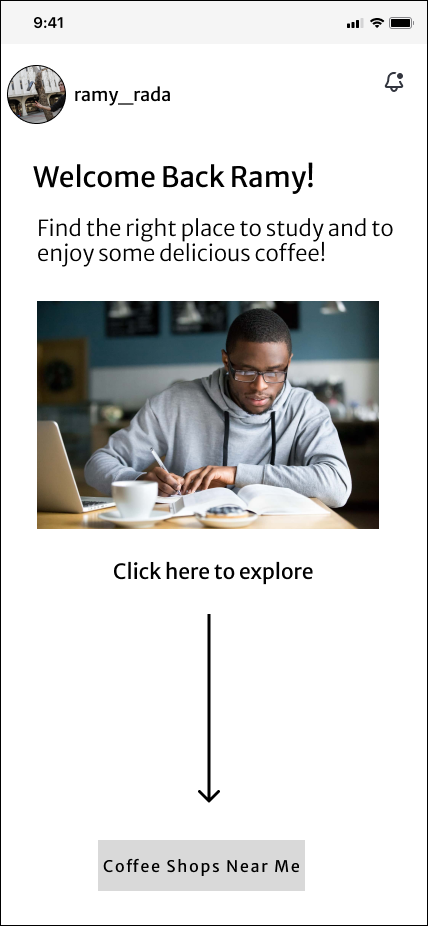
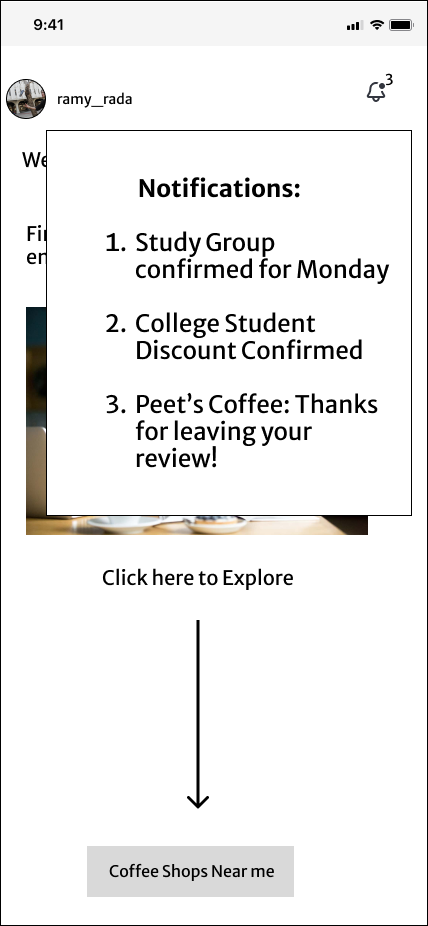
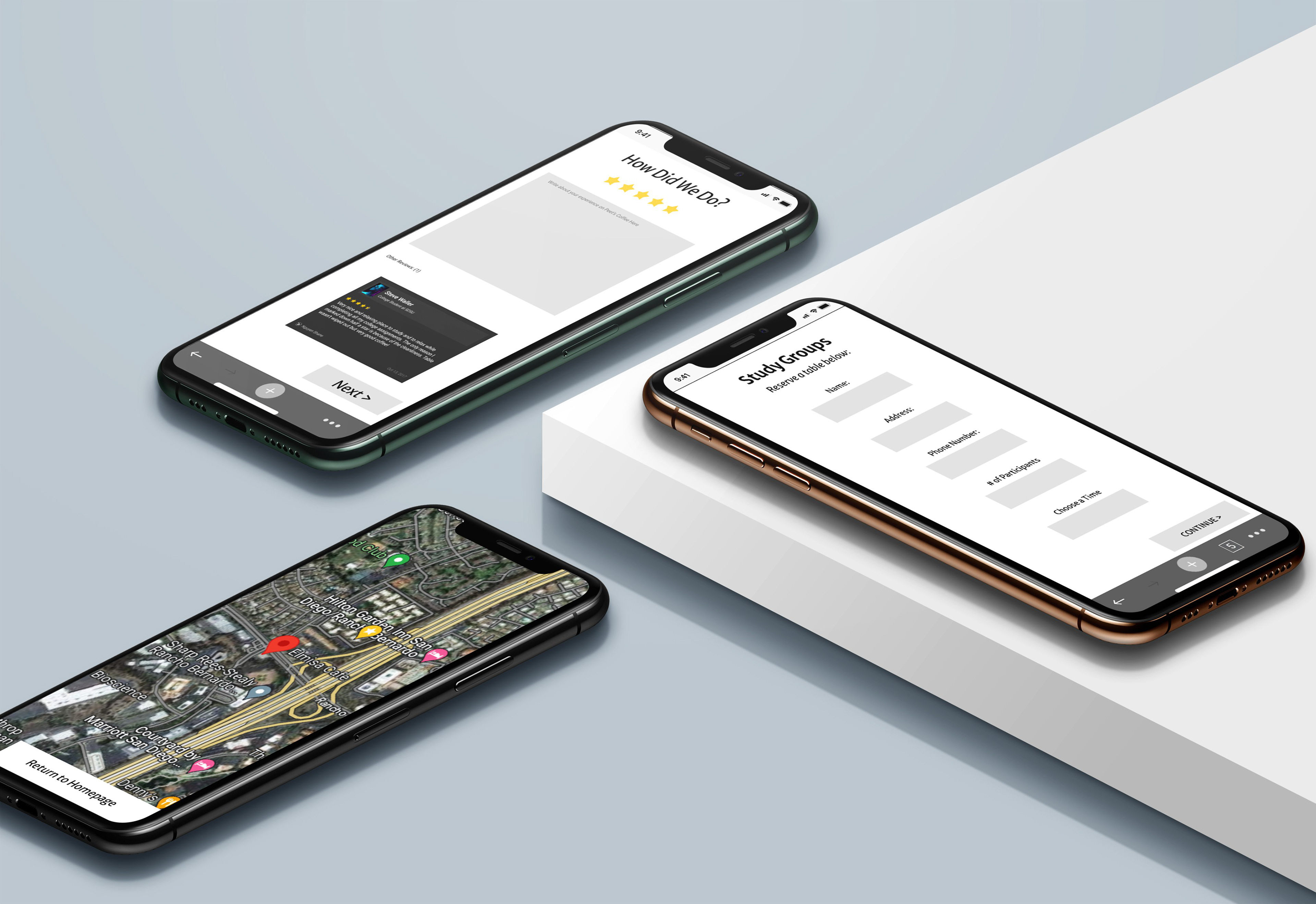
Mockups of Different Parts of the App:
Designer Statement
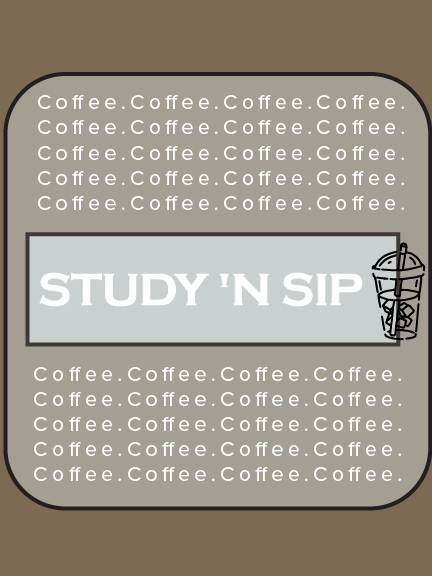
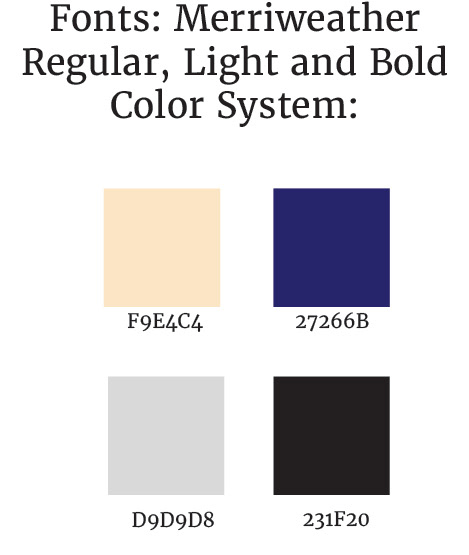
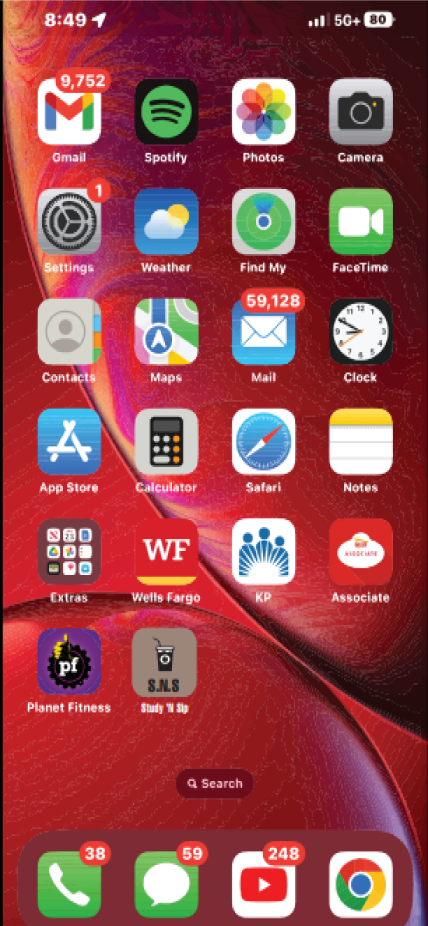
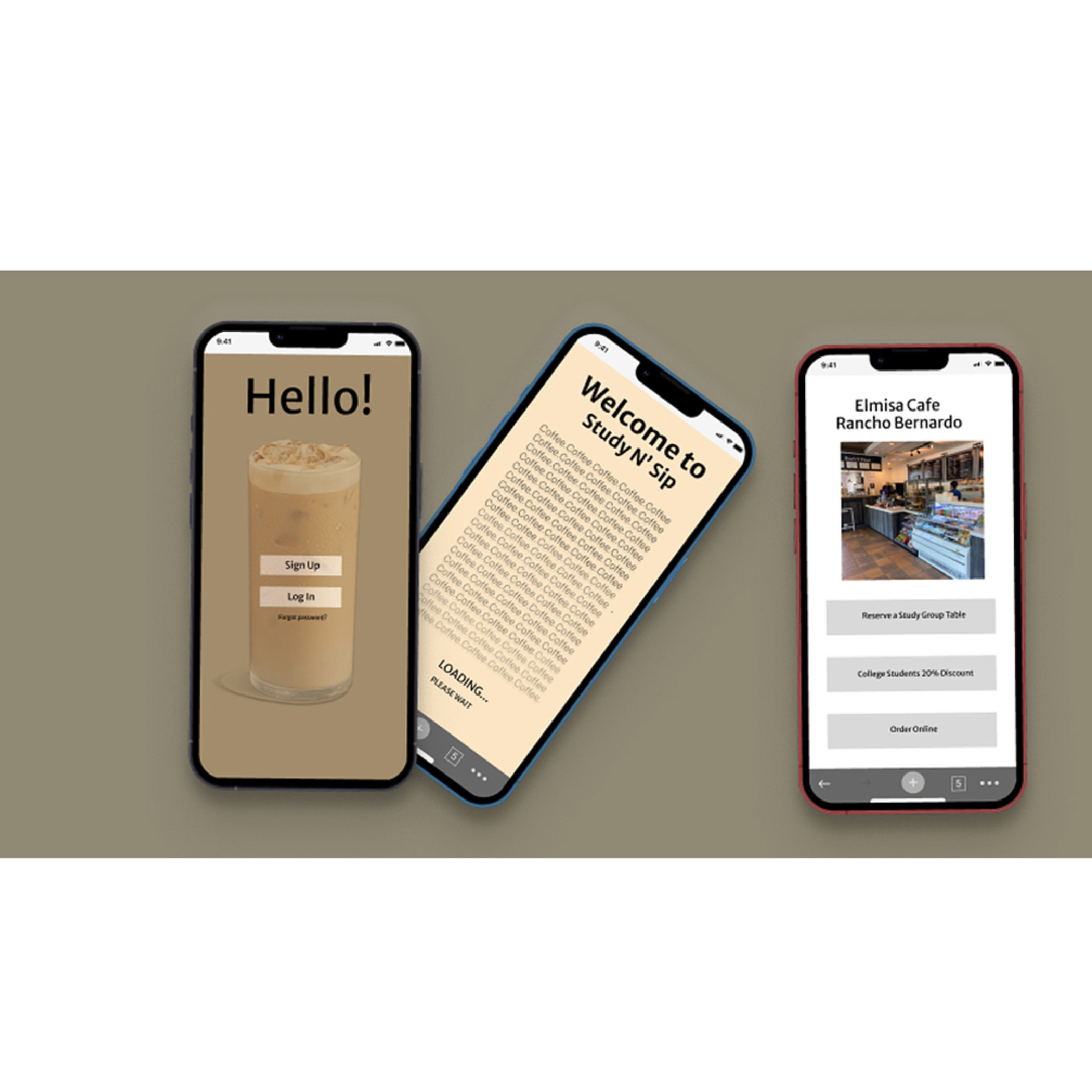
The goal for this project was to create an app that matches the same style as the passion guide we created before this project. We had two different options for our website which were either adobe XD or Figma. I decided to go with Figma because it looked very user friendly. However, the amount of glitches this website caused me, was truly much to handle. However, I found a way around it and created this app as my end result.This app was designed based on my Study 'N Sip passion guide that is intended for college students who are looking for a place to complete their assignments and studying while enjoying some nice coffee to keep them awake and alert. I went with the different coffee browns and the basic white background to some screens to balance it out and to give some breathing room for the viewers.
Design Exploration
Throughout this project, I have had to go back to fix my grid line-ups due to the fact that the grid kept being inconsistent. Figma constantly shifted all my elements around and continuously messed with all my work. I experimented creating interactions with different buttons that I utilized in my app. I enjoyed learning this interface overall and it turned out successful overall. For my specific topic, it was difficult to add any more screens without being repetitive because my specific app was dedicated to just study groups reservations at coffee shops which limited my options of the direction that I wanted to go in.
Finalized Design Concept and Evaluation
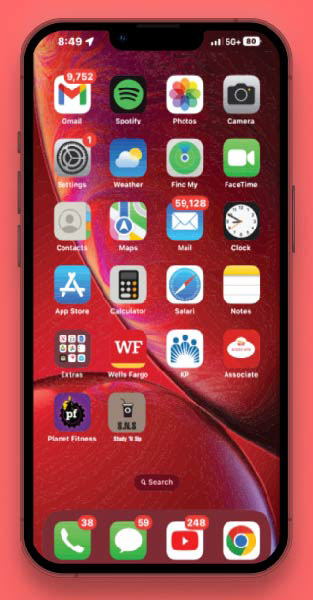
The final product that I created was an app revolving around the passion guide to coffee shops in the area showcasing the top 20 spots to get the best experience. It consists of 30 screens navigating throughout the screens using the interactive feature. This app takes you through the home screen interaction on the phone and opens up just like any other app with a loading screen included, to add more app-like features, making the app come to life as an actual interface that you can navigate throughout. Overall, I really enjoyed using Figma for the first time, but it would seem that Adobe XD will be my choice of interface for the next time, due to all the bugs and glitches that Figma created. However, I am happy with the final result and am looking forward to working on different projects again.